Most daily-report failures are not writing failures. They are workflow failures: another download, another account, a forgotten password, a blank form, and a request that arrives after the crew has already driven home.
Removing the crew login does not mean removing structure. It means putting the structure around a familiar action: open a message, tap a link, talk through the job, show the work, and submit.
Why adoption fails in the field
A reporting system is often selected by the person who needs the final record. The person creating it experiences the opposite side of the product.
The office sees searchable history. The crew sees:
- An app-store download on a personal phone.
- An invite that expired.
- A company or project picker with too many options.
- Ten fields that feel unrelated to today’s work.
- A request to type after a physical day on site.
Every step can be defensible. Together they make “I’ll do it later” the default.
The link-based reporting model
In RenoFriend, the contractor chooses a project, a crew member, and a schedule. At the requested time, the crew member receives an SMS or WhatsApp link for that report.
The link is already associated with the intended project and request. In iMessage or WhatsApp it unfurls with per-report preview artwork showing the project context, so the text doesn’t look like a phishing link — part of why crews tap it. The crew member does not have to search for the job or create an account. They open the capture experience, narrate what happened, show the work in video or photos, and submit.
In practice the capture is short. On a recent stair job, the crew lead’s report took about 40 seconds of talking: treads set, 11 of 14, with 6 photos of the finished runs attached. The office received a structured update with the count, the photos, and the source media.
When a report needs extra pull, the contractor can attach an optional per-report bonus to the link. The reward and its progress show on the link’s preview card, so the crew member sees what filing the report is worth before opening it.
What to ask the crew
“Send a report” is too broad. A short prompt sequence creates a better record without turning the phone into a clipboard:
- What was completed today?
- What is next?
- Is anything blocked, damaged, missing, or waiting on a decision?
- Show the work and any condition the office should see.
Those questions match the decisions a project manager must make. They also work well in narration. A crew member can say “the tile is complete except the niche because the trim has not arrived” faster and more accurately than finding separate completion, exception, and material-delay fields. The report page can also prompt the crew member to confirm specific items or answer targeted questions the contractor set for that request.
Narration is capture, not the final record
A long video is evidence, but it is not a useful daily log by itself. Someone still has to find the progress, blocker, action, and date.
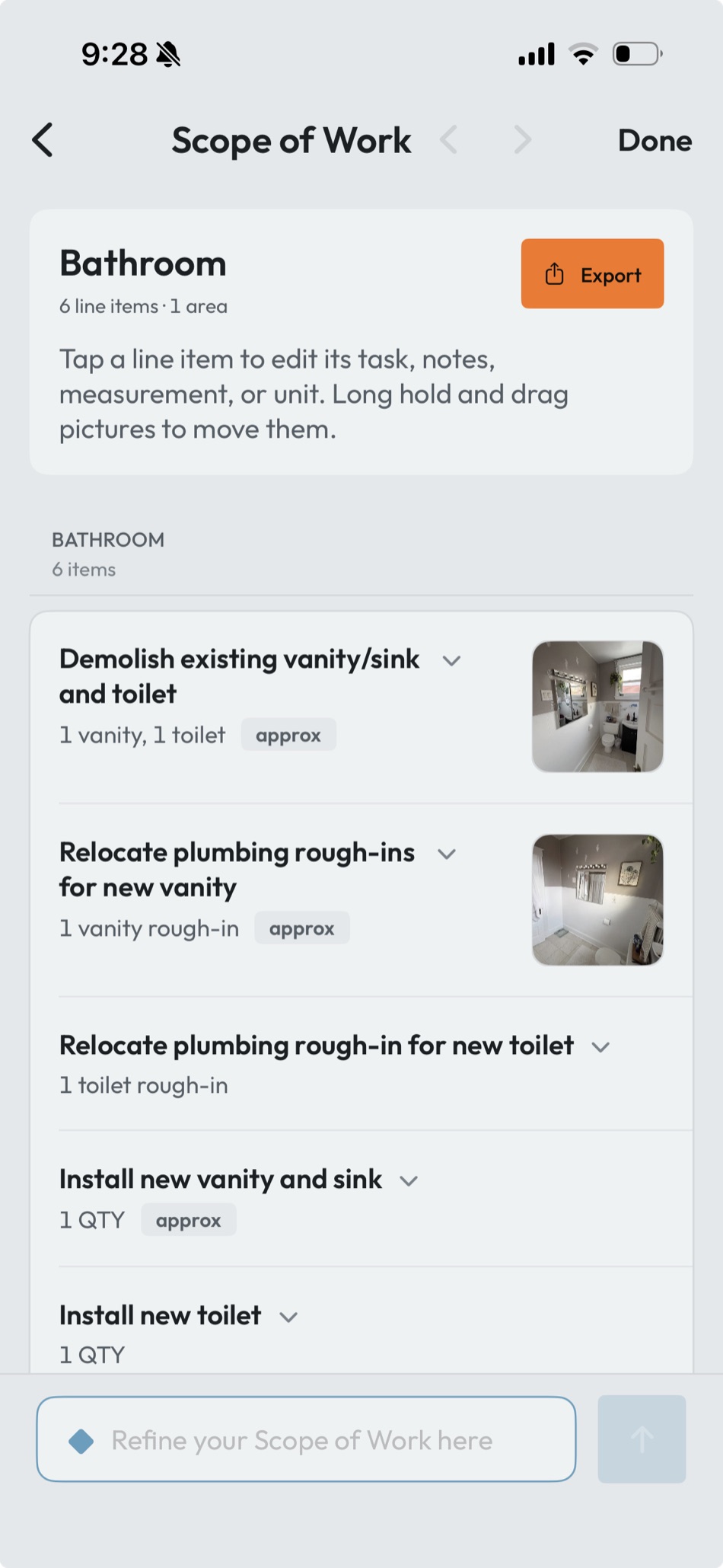
RenoFriend keeps the original media and organizes the report into structured sections, the same way it turns a walkthrough video into a Scope of Work. That lets the office scan the update quickly while retaining the source video and photos when nuance matters. Dated, structured reports also become the record you reach for when scope creep turns into a change-order conversation.
Original media also protects against a subtle failure mode: a short fragment on the device can look like “a transcript exists” even when the complete walkthrough never finished processing. Completion should be tied to the full expected artifact set, not the first non-empty text.
Spanish narration should not require English typing
A bilingual reporting workflow should let the crew member speak naturally. RenoFriend can turn Spanish narration into an English report while preserving the original source media. The stair report above worked exactly that way: narrated in Spanish, delivered to the office in English.
That is different from changing interface labels or translating one comment. The value is a manager-readable daily record without asking the crew member to compose technical English at the end of the day.
Translation still deserves review when the wording carries safety, contract, or technical consequences. Names, product terms, quantities, and trade vocabulary are the places to check first.
Scheduling without nagging
Automation should establish a predictable reporting moment, not send an endless escalation sequence. A good setup answers:
- Which days does this project need an update?
- Who is likely to be on site?
- What local time should the request arrive?
- When is a reminder appropriate?
- Who sees a missed request?
A one-time report request should remain one-time. A recurring schedule should be visible and easy to turn off when the phase ends. A Monday, Wednesday, Friday cadence near the end of the workday covers most active phases without turning the request into background noise. The project manager should be able to tell the difference between “requested,” “opened,” “captured,” “processing,” and “complete.”
The office review should be fast
A useful report inbox leads with state and exceptions:
- Was the request completed?
- What work moved forward?
- Is there a blocker or client decision?
- Did the crew attach the full evidence?
- Does anything require correction before it joins the permanent record?
For JobTread users, RenoFriend can send a completed report into the corresponding Daily Log with its structured notes and evidence. The original request and review state still matter; the integration should not create duplicate logs as a report is accepted or resubmitted. See the full JobTread integration guide.
Security without a password
A no-account link is still an access credential. It should be difficult to guess, tied to the intended request, and limited in what it can expose or change.
The crew link should not open the contractor’s dashboard or reveal every project. It should open the exact reporting experience required for that request. Sensitive data and administrative actions stay behind the contractor account.
Who this doesn’t fit
Two honest exceptions. A crew that already lives in a full field-management suite — daily logs filled out in Raken or Buildertrend as a condition of the job — does not need a second reporting lane. And when a GC mandates their own reporting tool on a project, report there; a duplicate record in a second system helps no one.
How to roll it out with a real crew
- Start with one active project and one reliable crew lead.
- Send the first request while you are together, not at the end of a Friday.
- Keep the prompt to progress, next work, blockers, and evidence.
- Review the first three reports and tighten project vocabulary.
- Add the recurring schedule only after the one-time flow works.
- Measure whether the office receives a useful report—not merely whether the link was opened.
The reporting habit succeeds when the crew experiences it as part of leaving the job, while the office receives something better than a text-message thread. No app or login is the first step. A complete, project-linked record is the finish. The setup takes one project and one crew member — send the first request this week and judge the report it produces.